On a three-night safari you’ll head out six times or more. By the third morning the tracks start to look the same. Did we come this way yesterday? Wasn’t it near here we saw the cheetah?
GameDrive keeps the answer on your phone.
 アボカドAbokado Labs
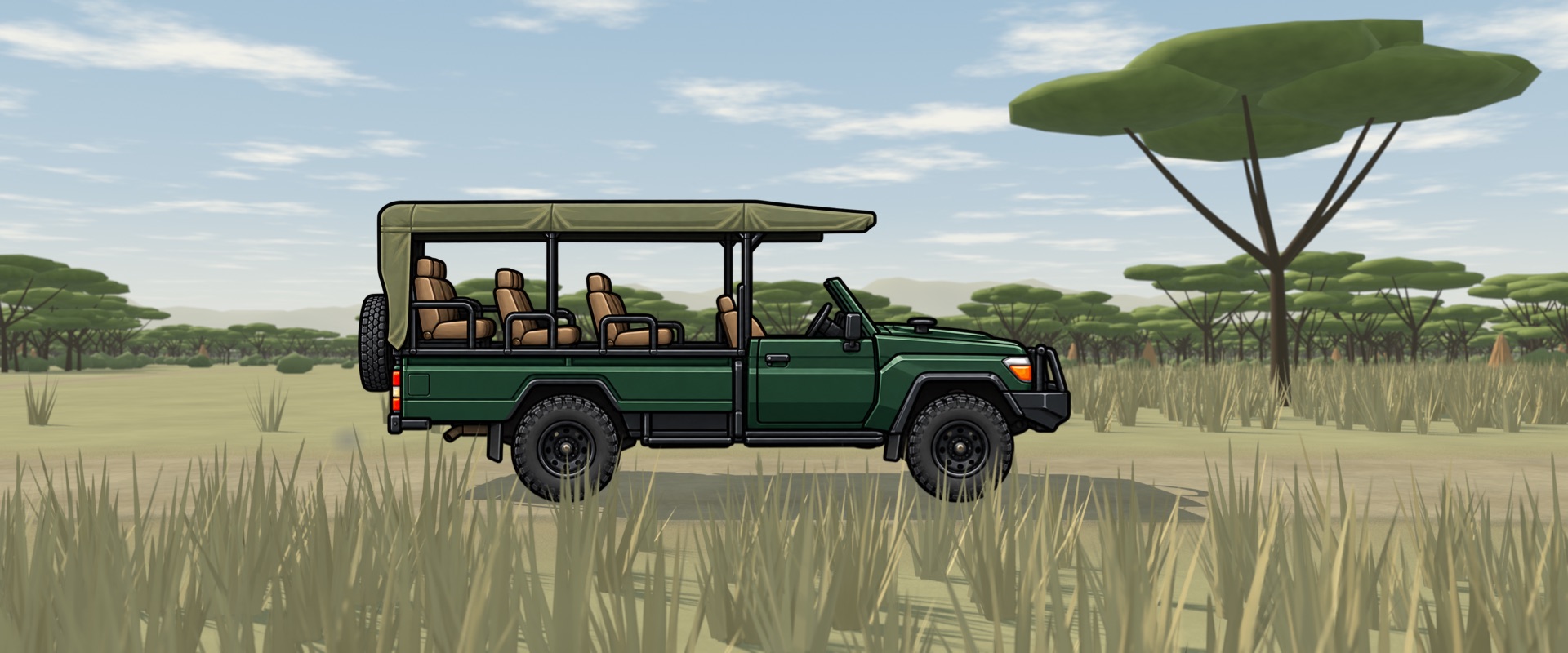

Every drive mapped. Every sighting remembered. A reel before dinner.
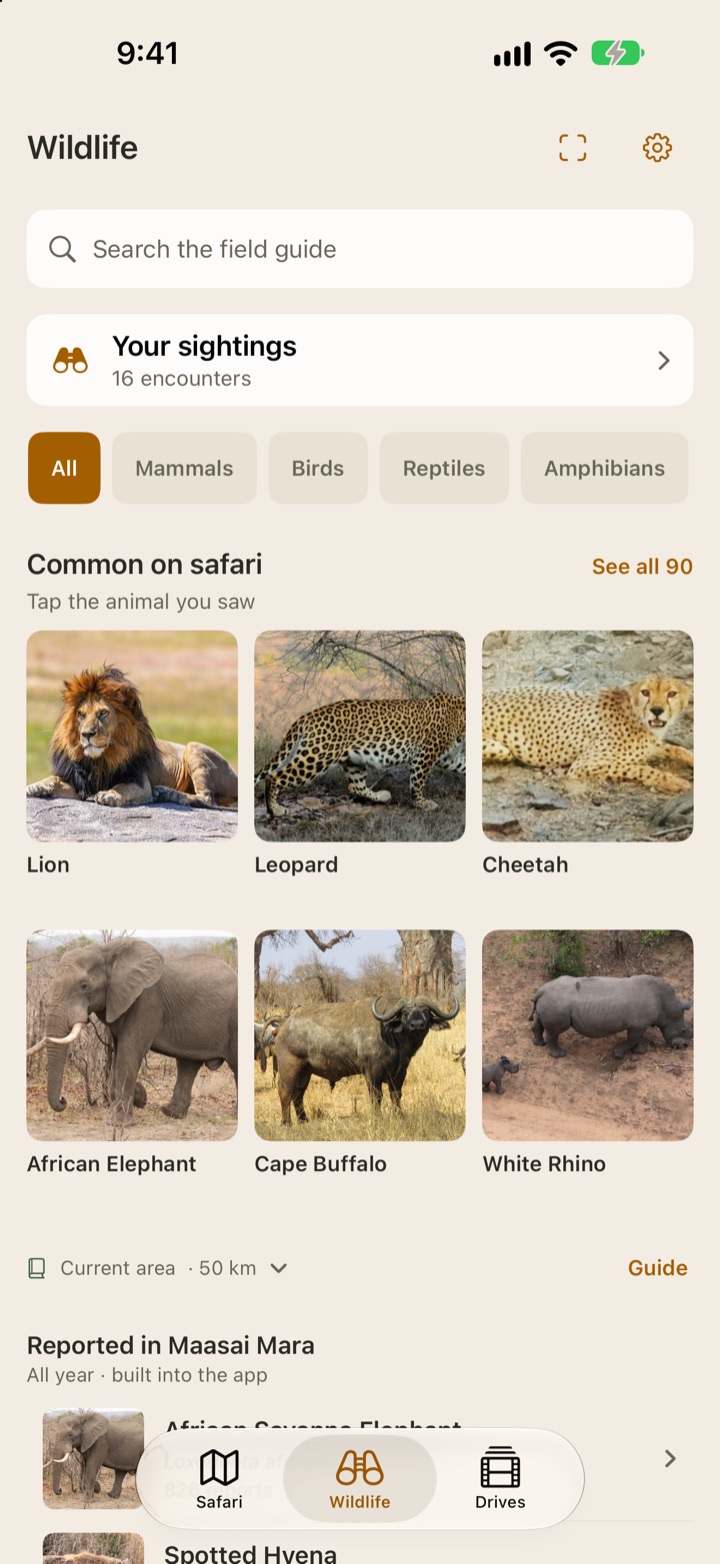
Mark the exact spot where you see each animal and learn about it in GameDrive’s built-in wildlife guide. Record your route as you go, revisit earlier drives and sightings on the map, and watch a first-cut film back at camp—all for free.
Requires iOS 26 or later. No account, no ads, no tracking. See what’s included.
On a three-night safari you’ll head out six times or more. By the third morning the tracks start to look the same. Did we come this way yesterday? Wasn’t it near here we saw the cheetah?
GameDrive keeps the answer on your phone.
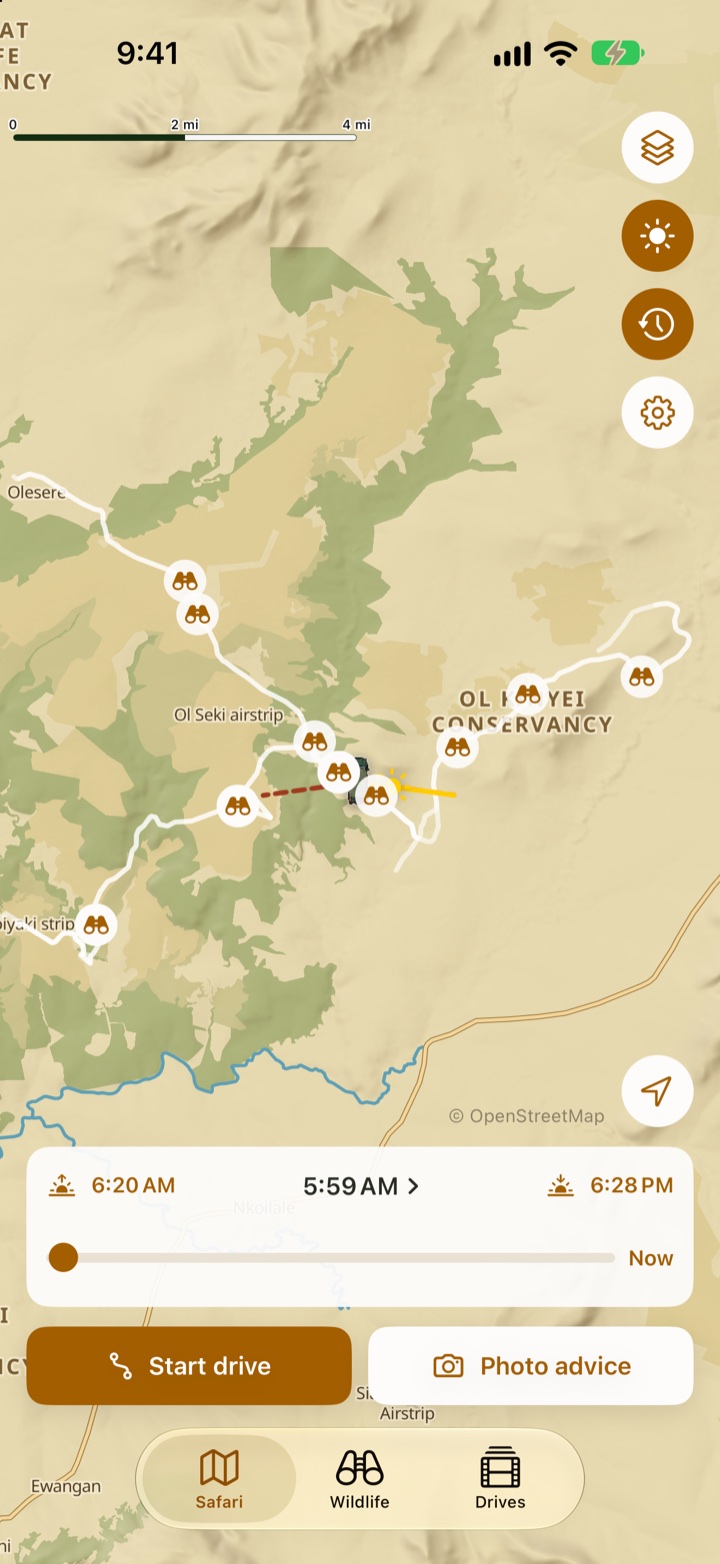
Start a drive and GameDrive draws your route on the map as you go, even with the phone locked in your pocket. When your guide stops for a lion, log the sighting and it is pinned exactly where it happened.
Next morning, your routes and sightings from the past week are there on the map. See which tracks you’ve already covered, which you haven’t tried, and where the animals were last time.
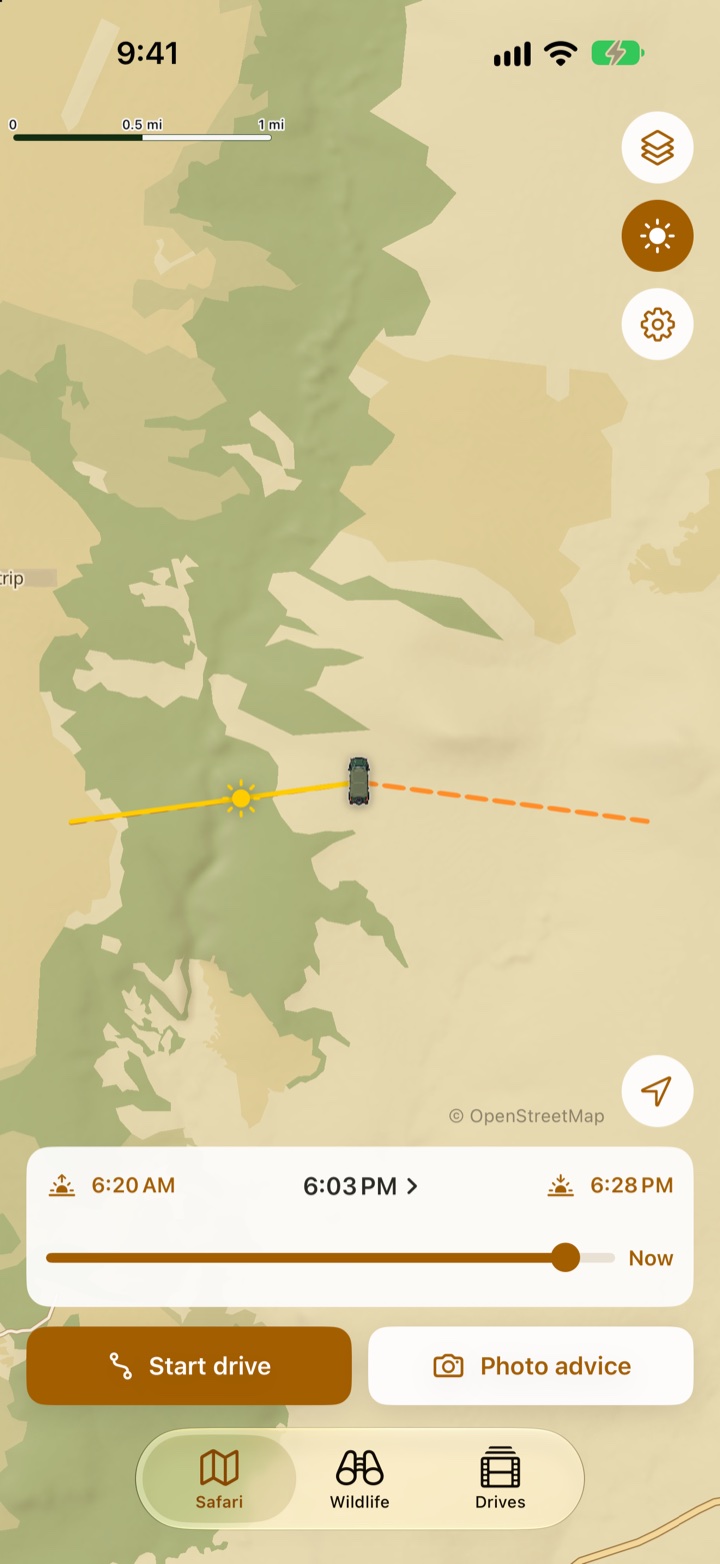
Before you leave camp, see where the sun will rise and how it will cross the sky, hour by hour, on the same map as your drive. Slide through the day to plan where to be at golden hour.
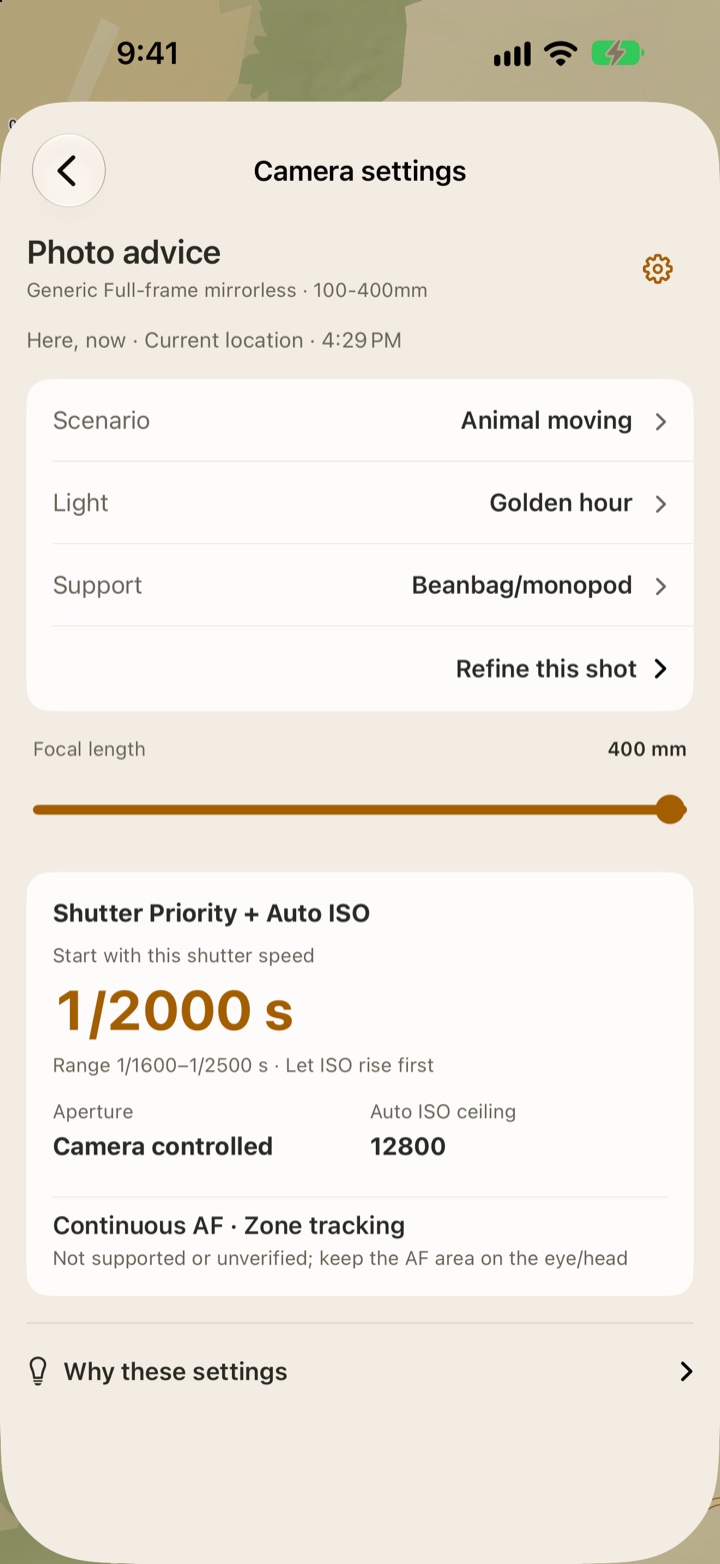
With a Safari Pass or GameDrive Forever, GameDrive suggests a starting point for your camera settings, whether it’s a cheetah at full stretch, a roller on a branch or a herd in low evening light, based on your own camera and lens.
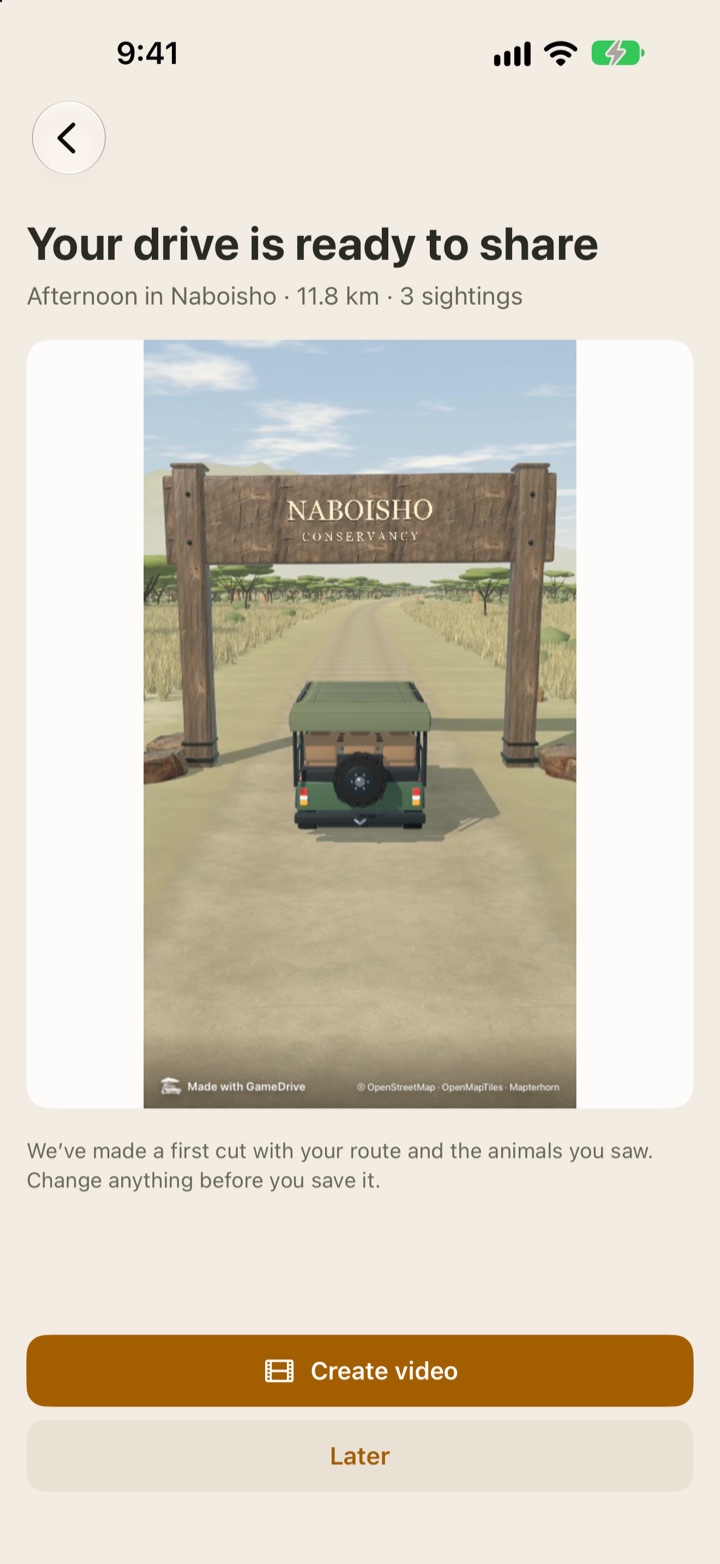
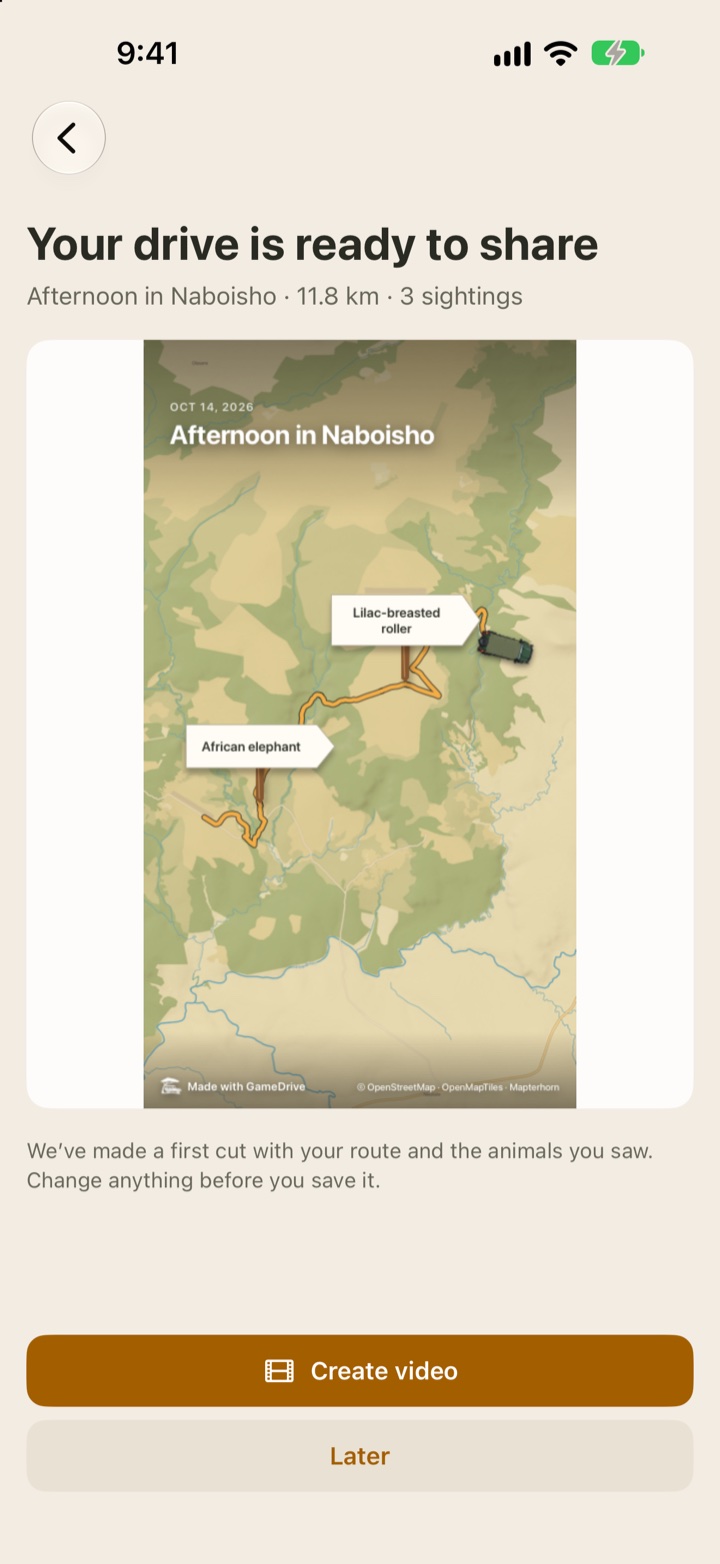
When you finish, a first cut is already waiting. Your vehicle rolls through a gate carrying the park’s real name, the camera rises over the map, and your route draws itself across the landscape with each sighting where it happened.
Watch that first cut free. A Safari Pass or GameDrive Forever unlocks every reel option and lets you create, save and share the video.
Add your best photos and GameDrive places them on the route, using where and when you took them. Change the look or leave it as it is, save it to Photos, and post it to Instagram or TikTok before dinner. It’s a story of your drive that nobody else can tell.
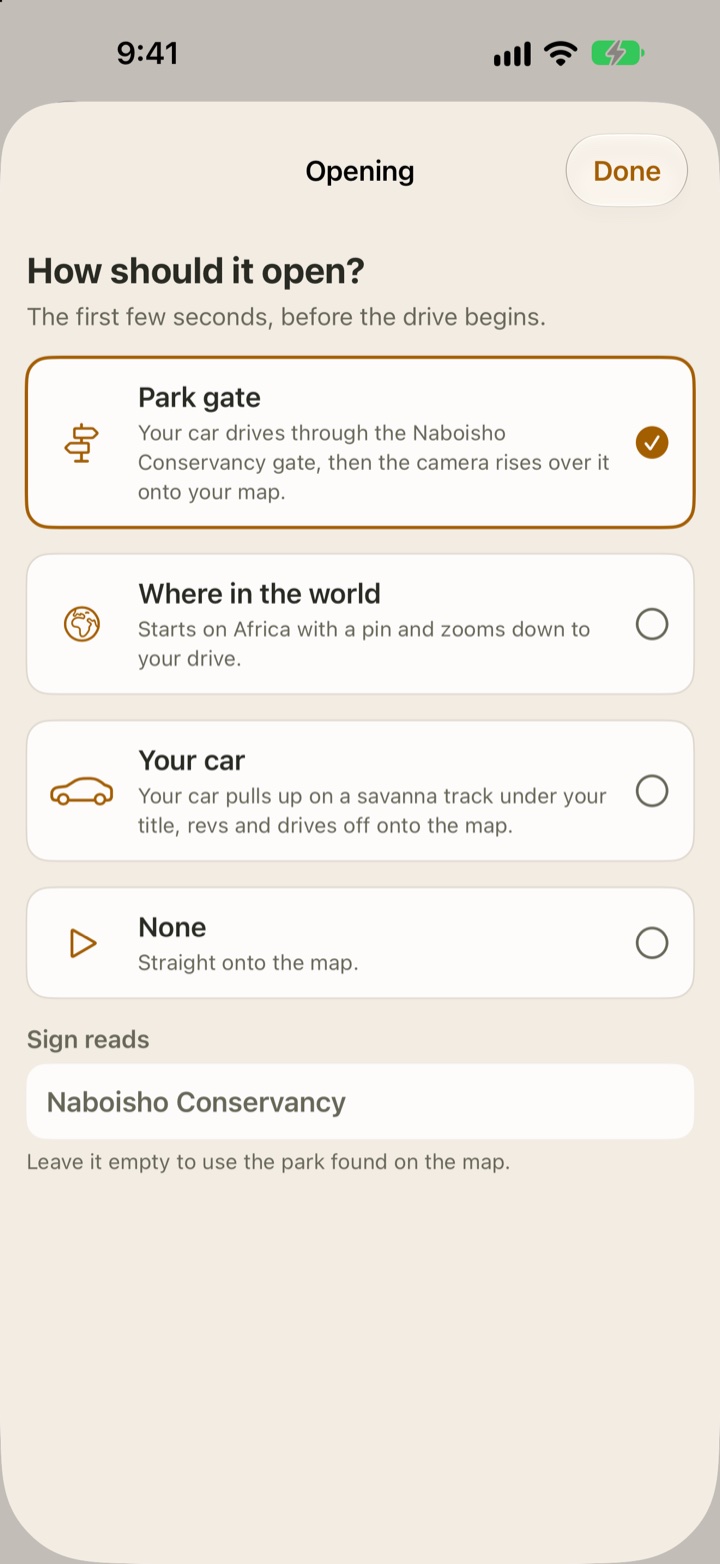
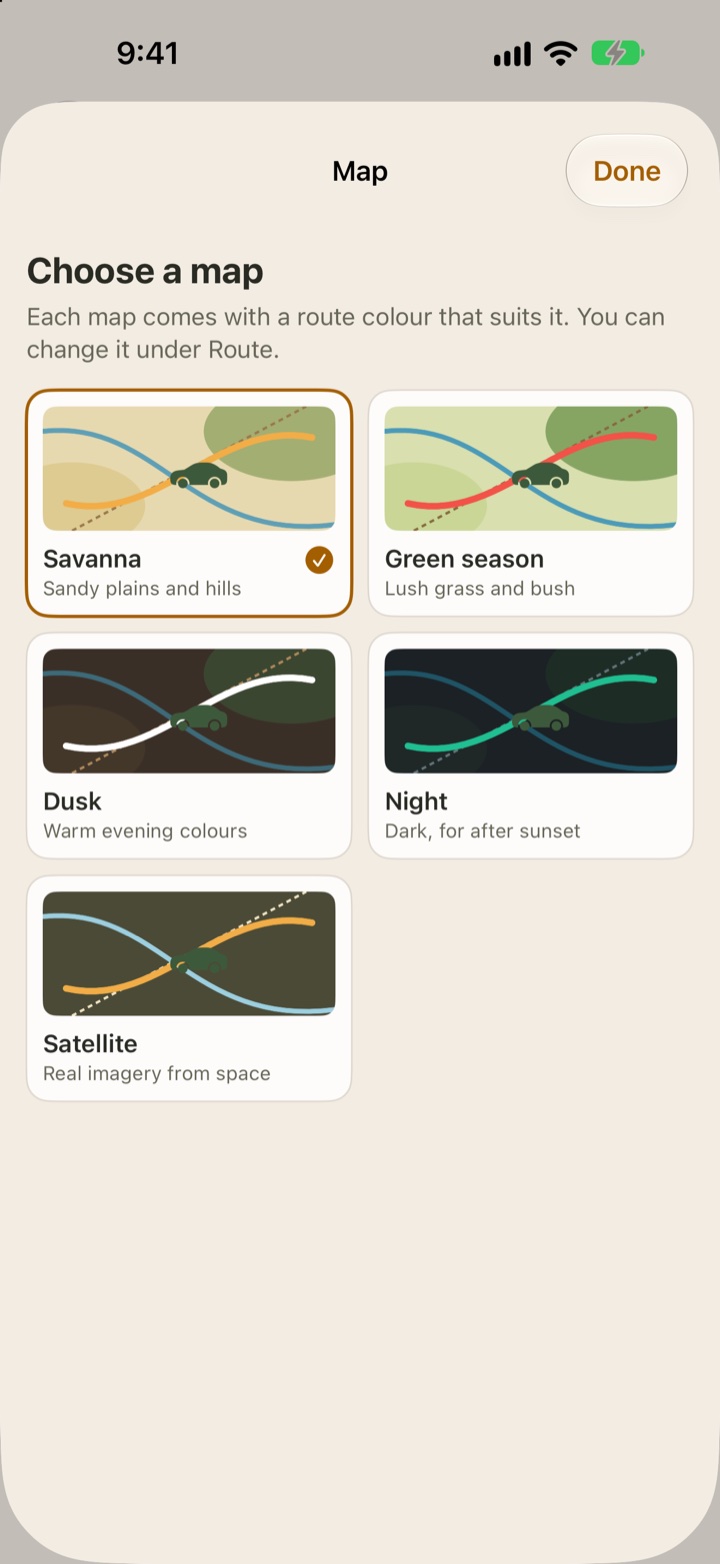
A Safari Pass or GameDrive Forever includes all the choices below. Preview each change before you save.
Keep the essentials free. Choose a small pass for one trip, or unlock the same extras for good.
GameDrive is an enthusiast project, made for people who love time on safari. The small pass is there for one outing: enjoy the extras, then put it aside until your next trip. It never renews, so there’s no ongoing bill to remember.
Your feedback helps shape what comes next. Tell us what worked, what got in the way, or what you’d like on your next drive.
Share your feedbackYour drives, sightings and notes stay on your iPhone. There is no account, advertising or tracking. Wildlife requests send only an area about 20–40 km across, never your precise position. Optional anonymous usage counts can be turned off in Settings.
Camera advice is a starting point, not a guarantee. Weather is supporting information and must not be used for safety decisions. Always follow your guide and the park's rules.