What if I forget my passphrase?
Your passphrase is the only thing that can decrypt your vault. Any "recovery service" would have to break the encryption, so Keys doesn't offer one. Instead, Keys generates a one-time recovery code at setup. Print it, put it somewhere you'd find again in a year. That's the safety net.
How is this different from 1Password or iCloud Keychain?
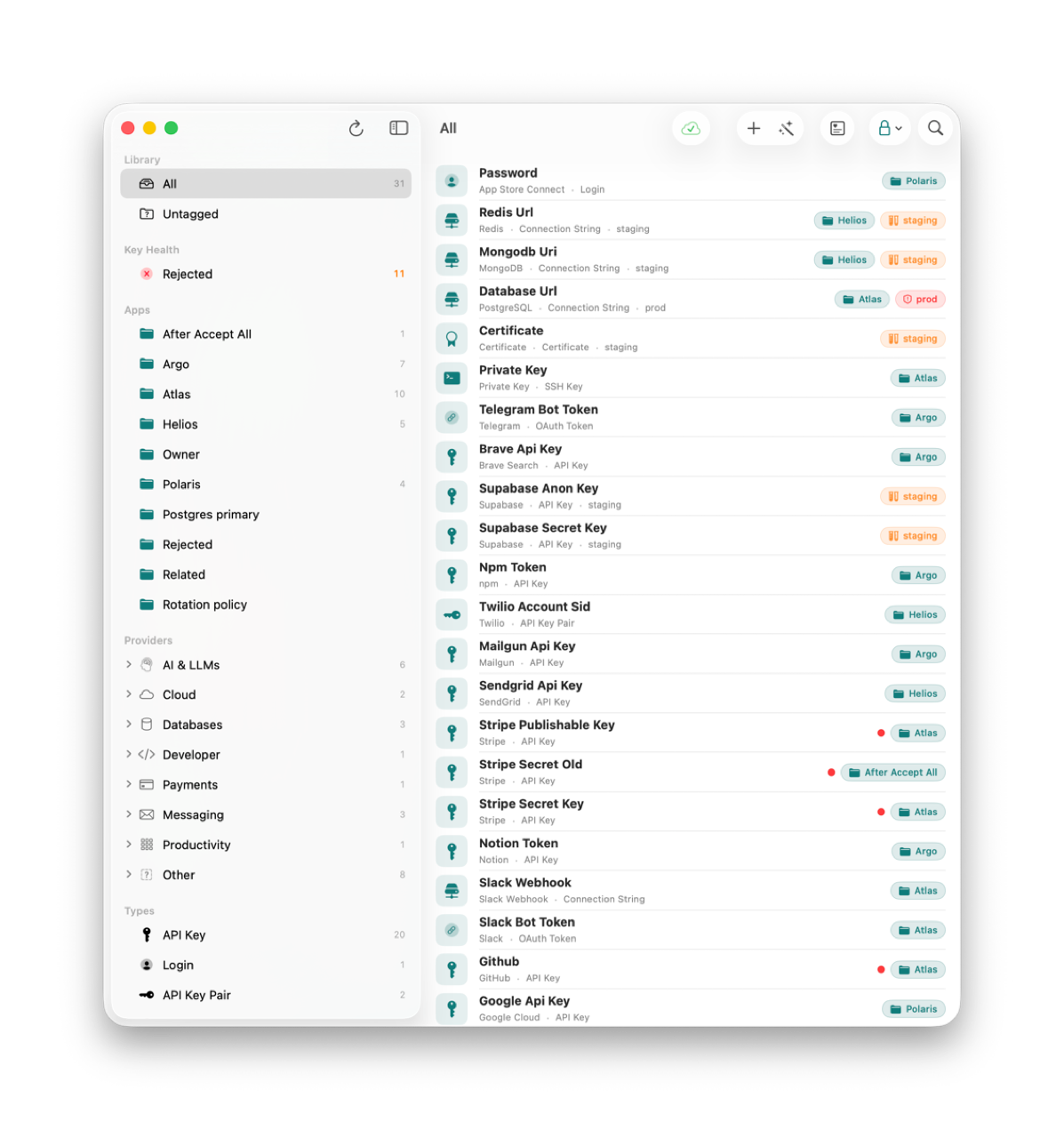
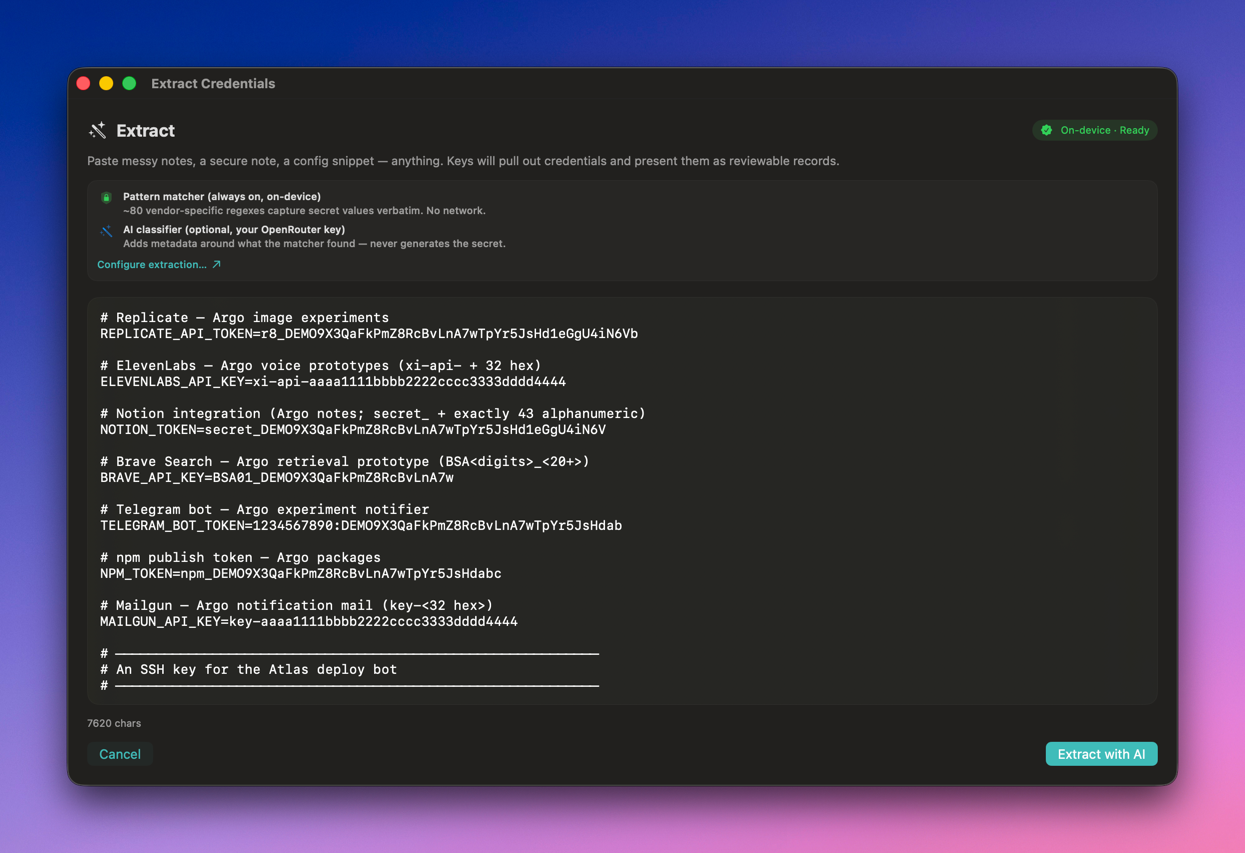
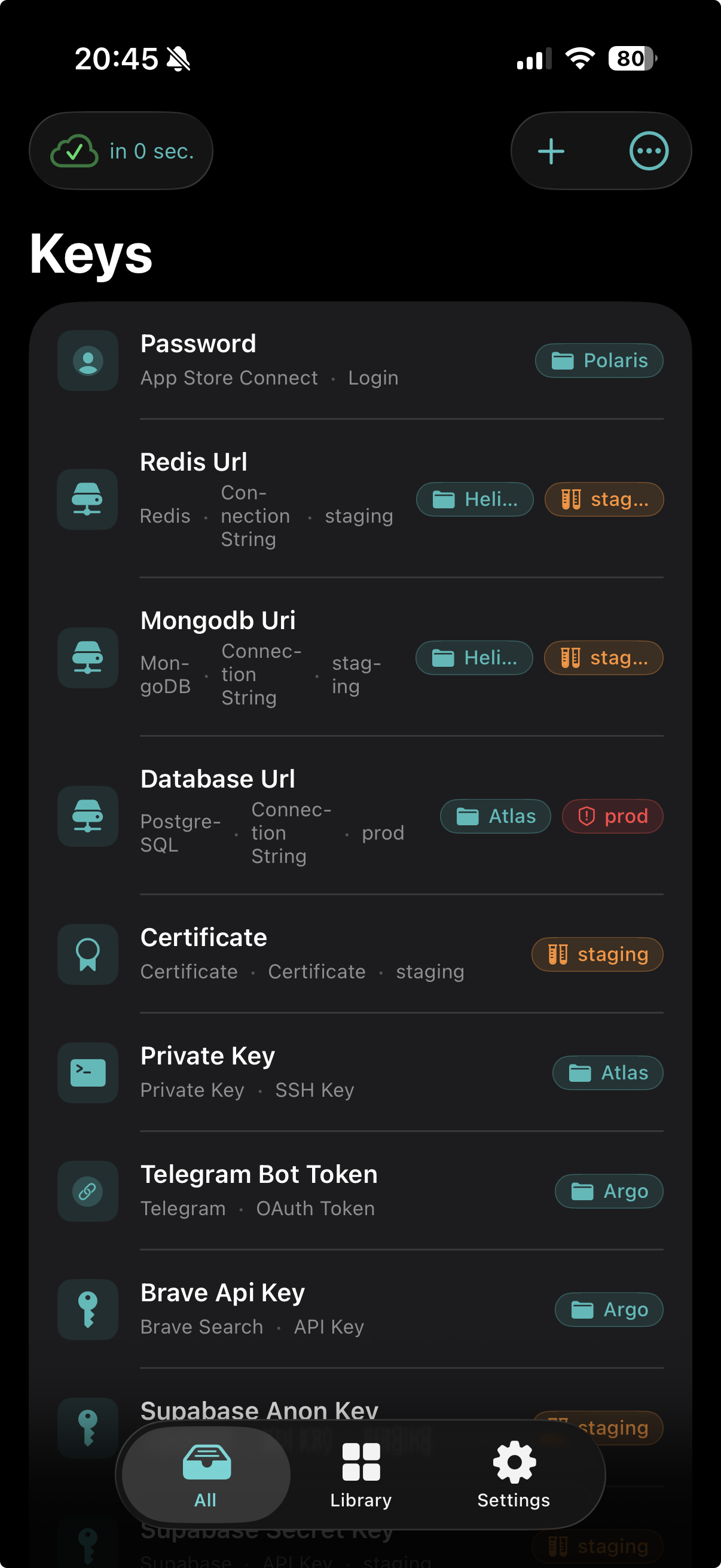
1Password is great for households. Passwords, two-factor codes, family sharing, the works. iCloud Keychain is great for the websites you log into in Safari. Keys is for the rest. The credentials that show up when you actually build things: API keys, SSH keys, OAuth tokens, server creds, the .env files that quietly grow over time. It speaks that vocabulary natively.
How much do you need to trust Abokado Labs?
As little as possible, by design. Keys ships as a standard App Store app, sandboxed, with no analytics or telemetry baked in and no Abokado Labs server in the picture. Your data lives on your devices and in your iCloud, encrypted with a key only you have. The privacy policy walks through every data flow.
What happens if Keys disappears?
You can export an encrypted backup any time. The format is documented, and the secrets stay readable as long as you have the passphrase, whether or not Keys is still in the App Store.
Is there an Android version?
No, and no plans for one. Keys is built on iCloud sync, the Secure Enclave, and the macOS / iOS sandbox. Bringing the same guarantees to Android would mean rebuilding the trust model from scratch on different primitives. That's a different product, and the priority is building this one well.